
4 Graphics Tablets to Start Your Digital Art Journey

Graphics tablets are the main tool of a Digital Artist, and picking the right one is no easy easy (or cheap) undertaking.
So whether its animation, 3D modelling, illustration or graphic design, here's a list of graphic tablets that you may want to check out as you continue on your artistic journey.
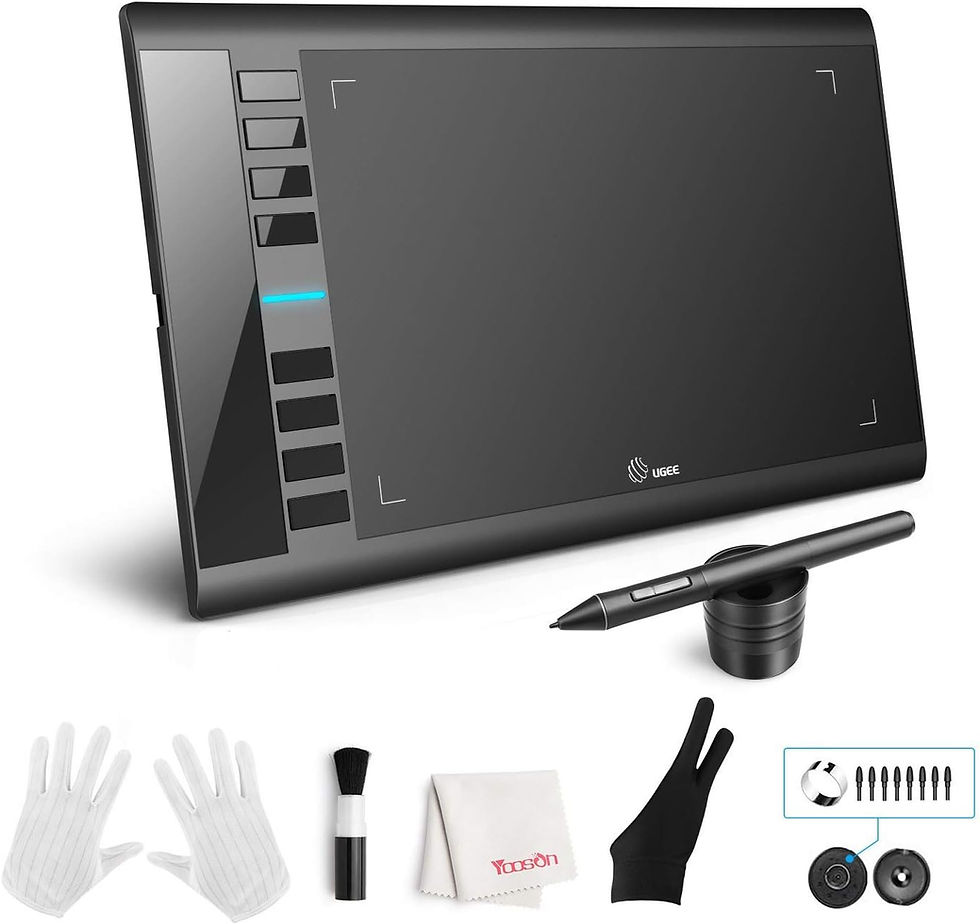
Drawing tablet with buttons - e.g. UGEE M708
This is the perfect starting point for young and beginner artists. It has jsut what you need, the ability to draw on a tablet and have that input translate to your cursor on the screen, allowing you the precision no mouse or laptop touchpad ever could. The programmable buttons are perfect for shortcuts that speed up your workflow. Many artists are happy to stick with this level of tablet, and why not - it works perfectly well and is more than enough!
Drawing tablet with display - e.g. Huion Kamvas 12
A solid drawing tablet with a built-in display. These types of tablets are so much more common now than they used to be. Wacom used to have the monopoly on the technology that made these tablets effective and comfortable, with nary a rival to challenge them. However, that seems to no longer be the case with Huion and XP-Pen rising to prominence with a their own ranges of display tablets in recent years. With these tablets, you have programmable buttons, a HD screen, and often a detachable or built in stand and other accessories to make drawing as comfortable as possible. This type of tablet is a solid purchase if you're thinking of taking your creative career seriously and you'll see the benefits of working directly on a display very quickly.

Premium drawing tablet with display - e.g. Wacom Cintiq 16
Wacom still remains the king of graphics tablet manufacturers. The quality and reliability of their products remains second to none - as does their prices. This is a case of you pay for what you get, so if you have the money to afford a good sized wacom tablet with a display - go for it, you'll get everything from the previously mentioned tablets (barring the buttons which seemed to have disappeared from recent models) along with manual touch screen sensitivity as well.

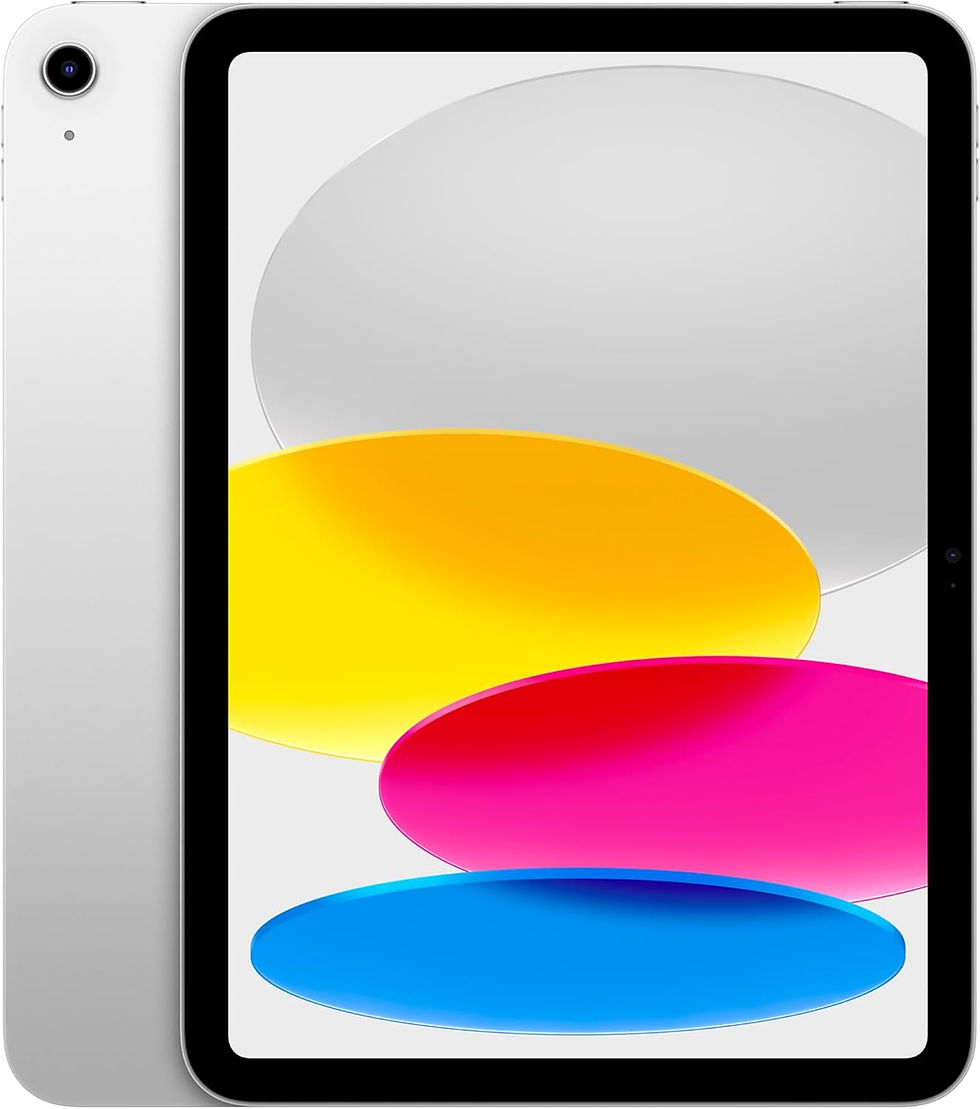
Alternative - a mobile tablet with drawing apps - e.g. Ipad
Many in the last decade have moved away from using graphics tablets, laptops, and PCs all together, prefering a mobile tablet with software such as Pro Create to draw in. These tablets are lightweight, super mobile and allow you draw away from desks - even on public transport or in bed - with no cables or discomfort. Expensive but effective. This is the perfect alternative to all the graphics tablets mentioned before, Ipads are the most popular, but Wacom, Samsung and other companies have their own alternatives as well.
So that's our round up of different graphics tablets that will help all you budding digital artists to leap into this fantastic medium and stretch you creative wings. If you're curious in my own graphic tablet journey, check out my video below:
Links in this article are affiliate links.


Comments